Restore Anything Pipeline:
Segment Anything Meets Image Restoration

Jiaxi Jiang Christian Holz
ETH Zürich

Select anything in a photo and give each region its own restoration model, at its own strength.

Results

All from the released tool. Drag the divider to compare.

Old photos

Faces, colour and detail come back separately, each with the model made for it.
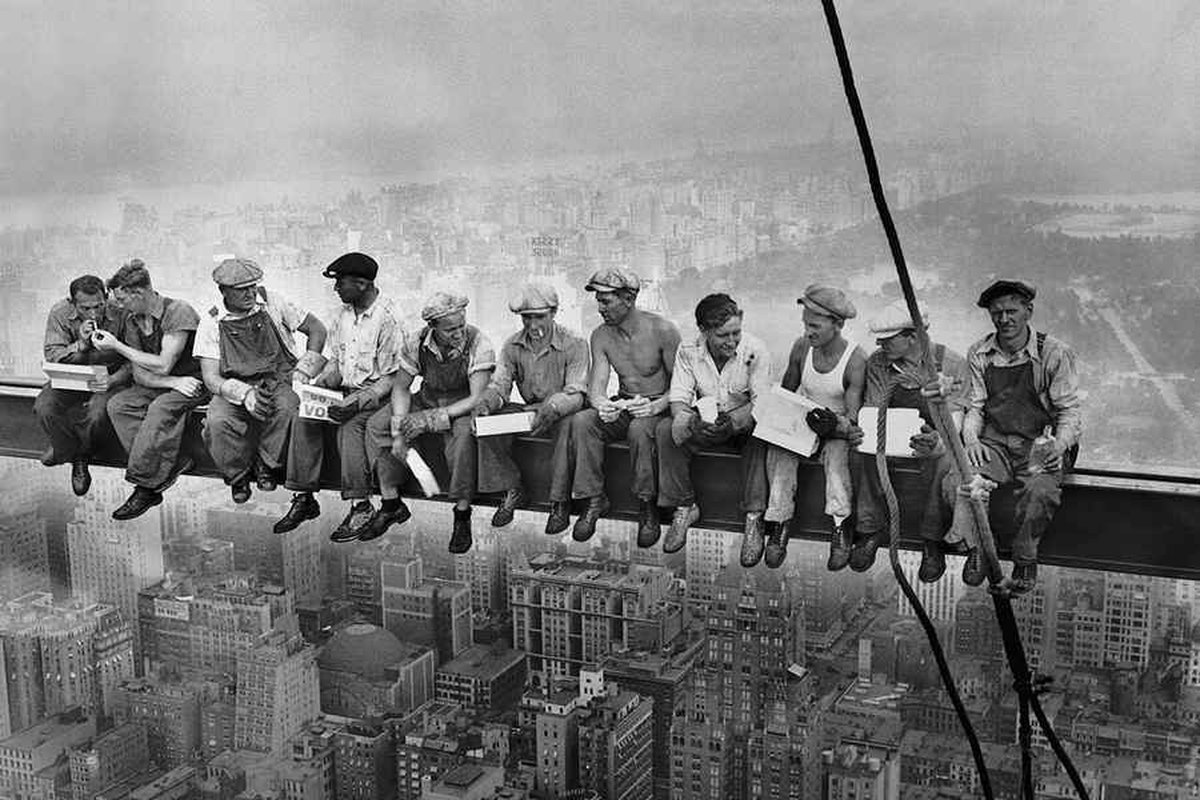
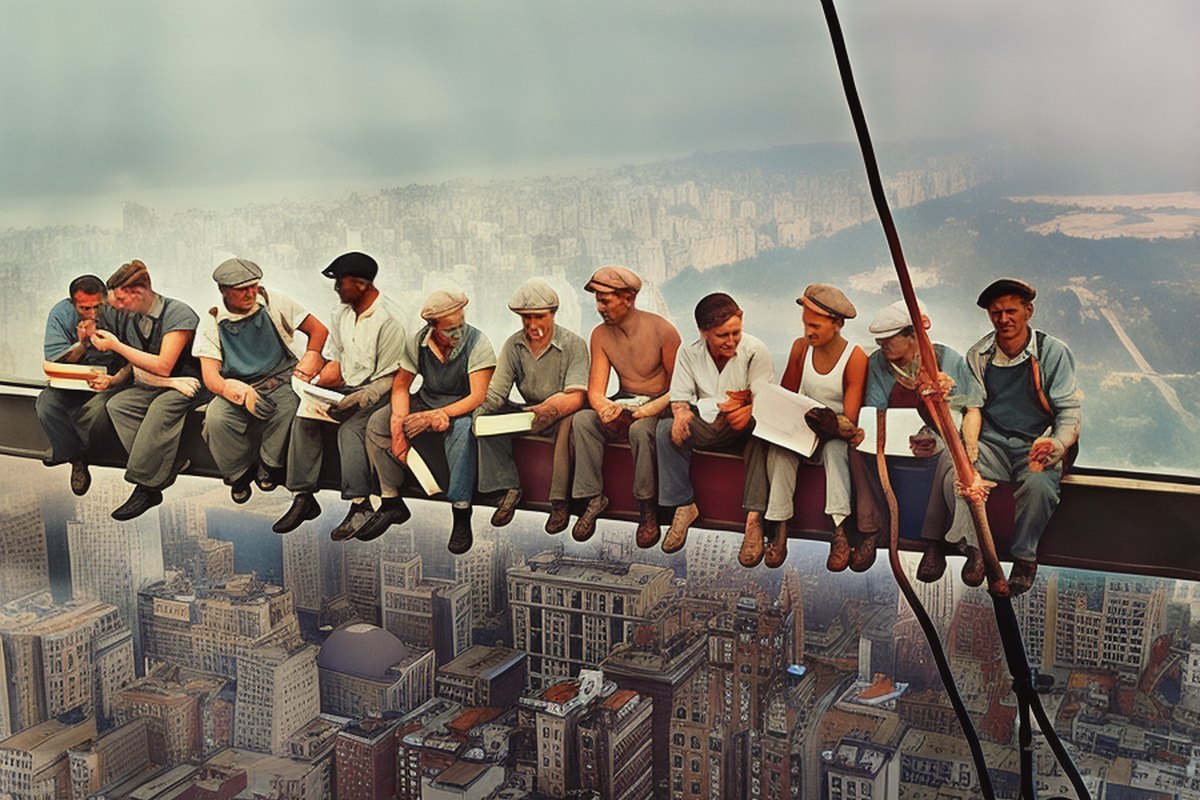
Lunch atop a Skyscraper, black and white and low quality The same photo colorized, with every face restored
BeforeAfter
Lunch atop a Skyscraper, 1932. Colorized with DDColor, then every face restored with CodeFormer.
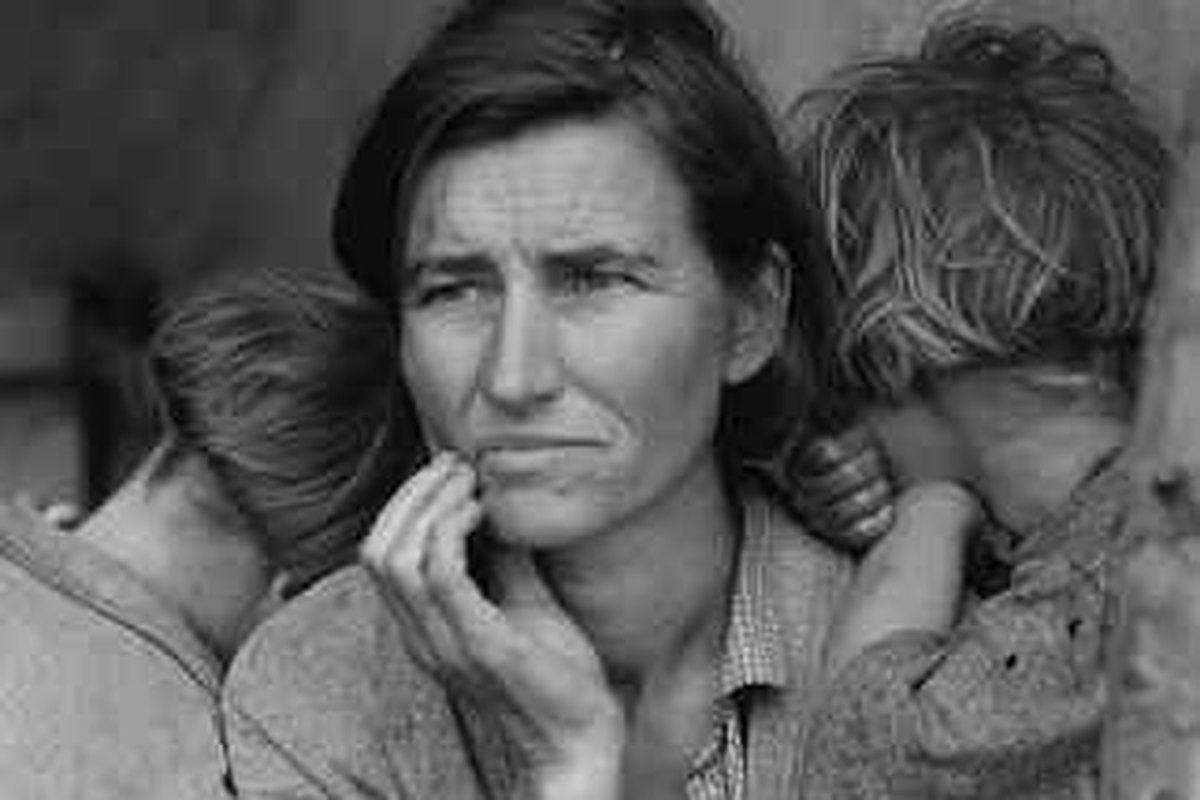
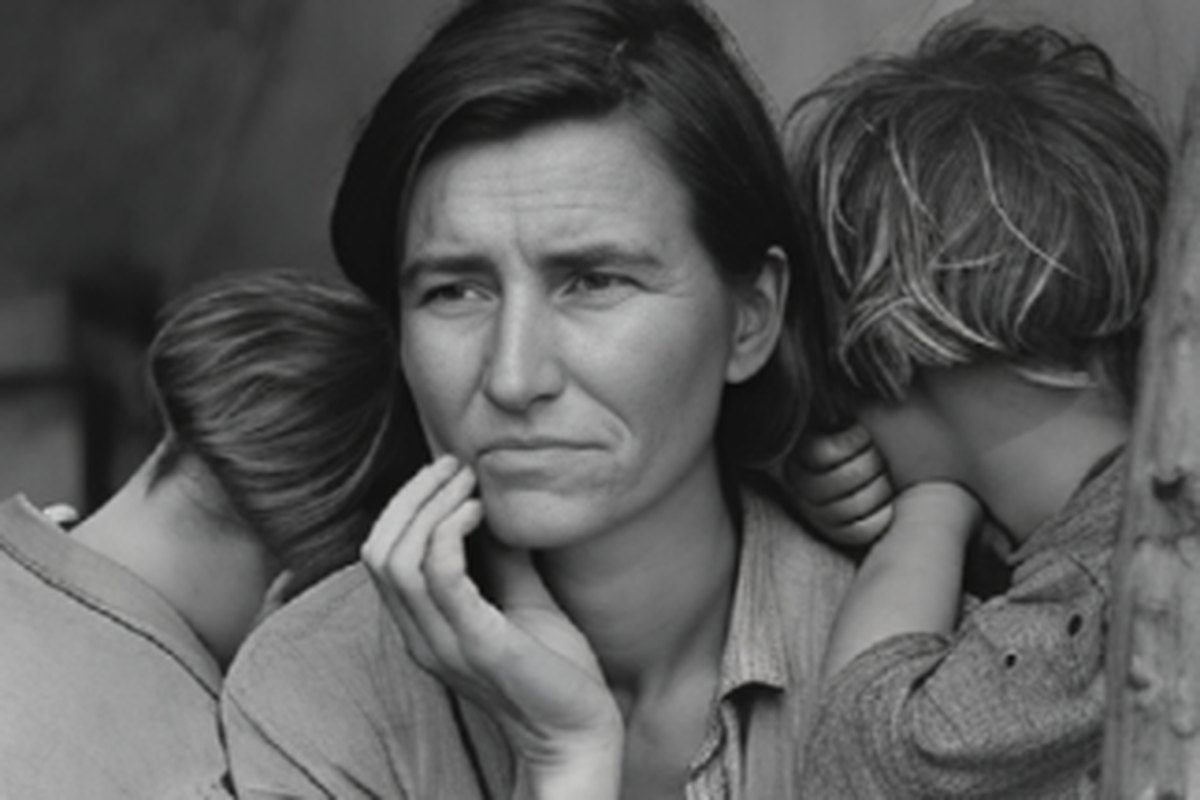
Migrant Mother, a small, heavily compressed copy The face restored with CodeFormer and the rest with PiSA-SR
BeforeAfter
Migrant Mother, 1936. The face restored with CodeFormer, the rest with PiSA-SR.
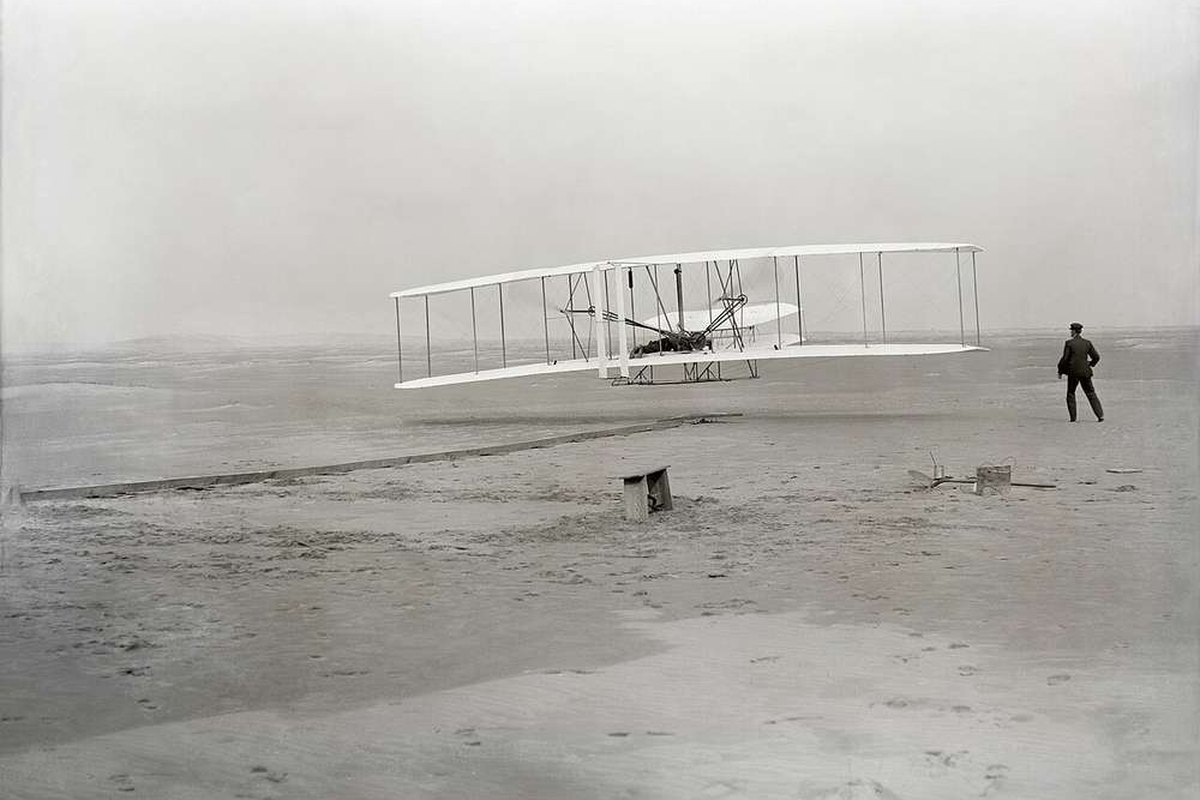
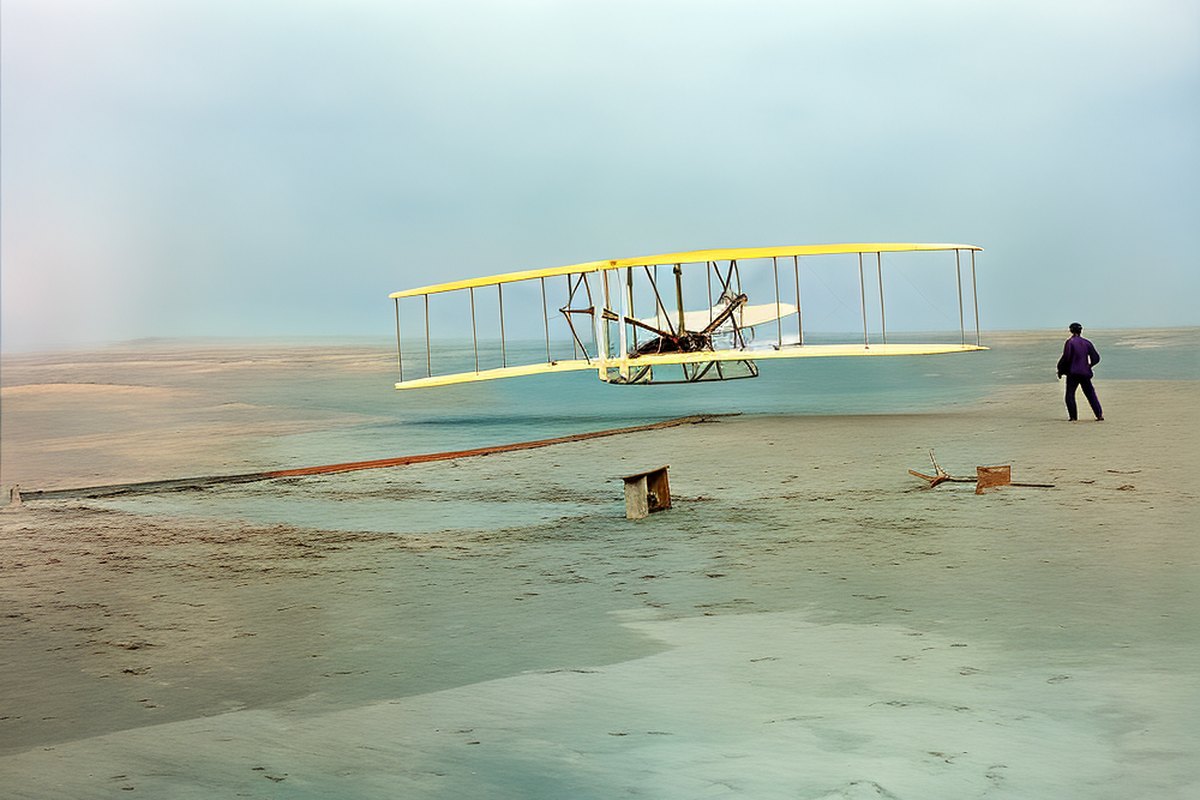
The Wright Flyer's first flight in black and white The same scene colorized and restored
BeforeAfter
First flight, 1903. Colorized with DDColor, then restored with PiSA-SR.

Remove and replace

Removals change the photo itself; everything else is then restored on the edited photo.
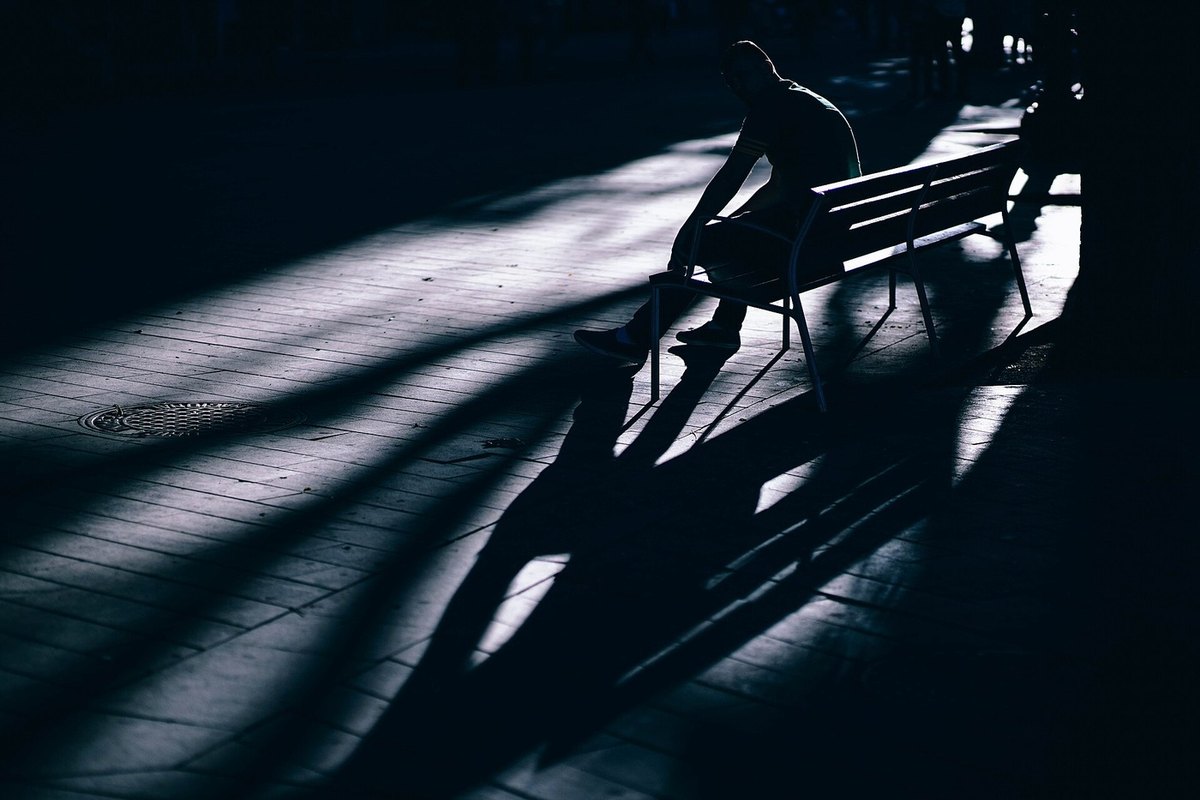
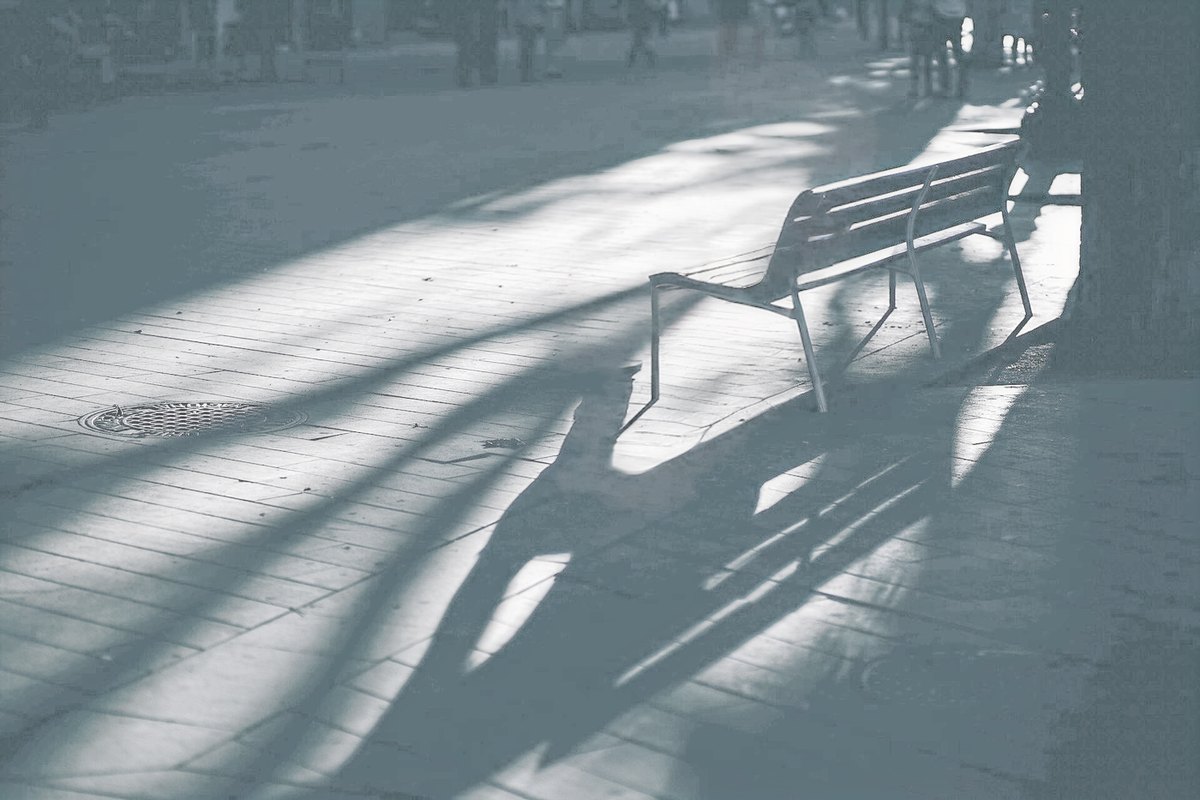
A dark park with a person sitting on a bench The person removed and the scene brightened
BeforeAfter
Remove, then brighten. The person removed with ObjectClear; everything else brightened with HVI-CIDNet in the same pass.
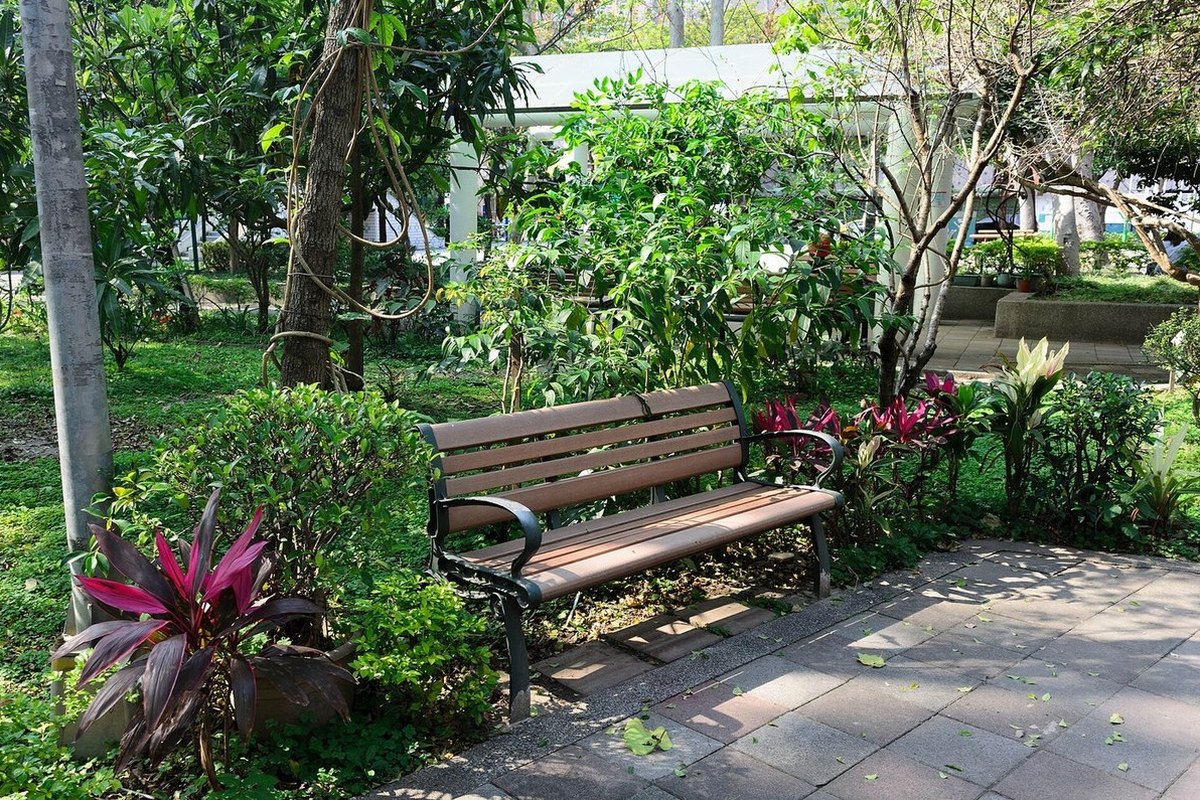
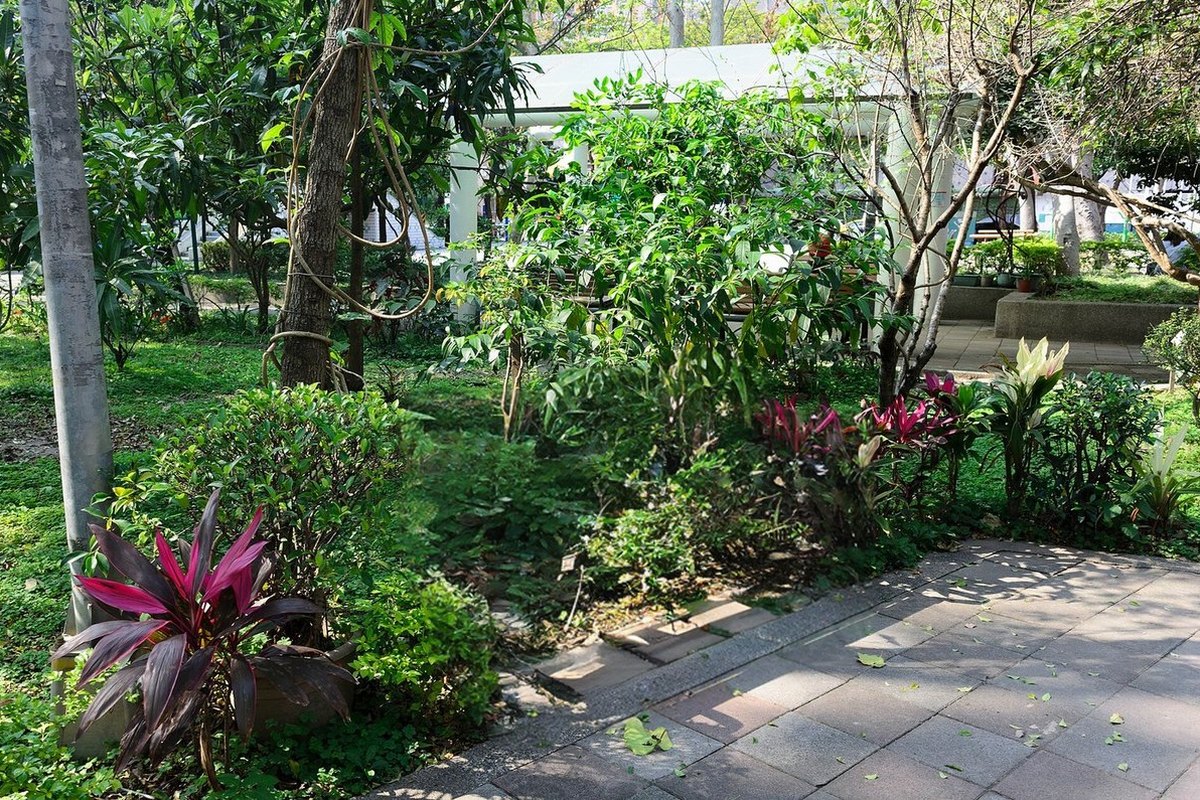
A park bench among plants, casting a shadow on the path The same park with the bench and its shadow removed
BeforeAfter
A bench and its shadow. Removed together with ObjectClear.
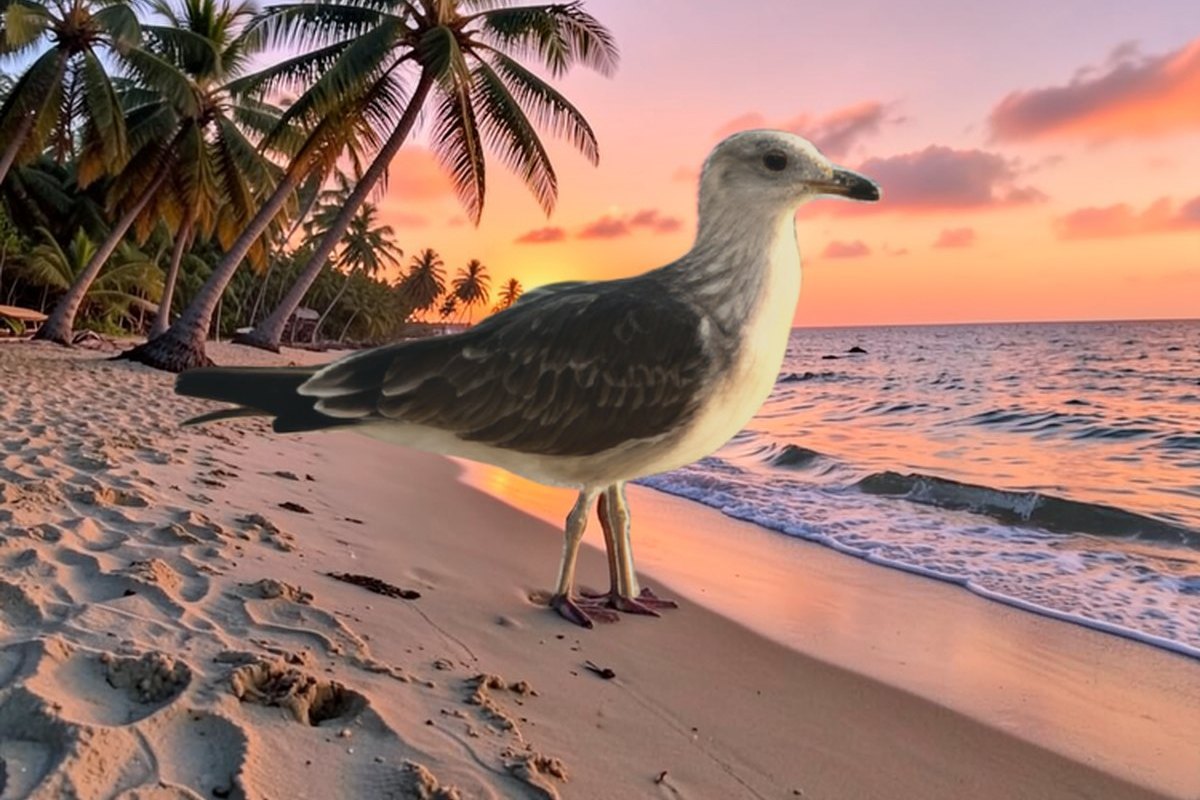
A blurry seagull on a stone quay by the sea The seagull restored and standing on a tropical beach at sunset
BeforeAfter
A new background. The seagull restored with PiSA-SR; the background generated from a prompt with FLUX.2 [klein].

Everyday fixes

Compression, noise and darkness, each with a model that estimates its own strength or lets you set it.
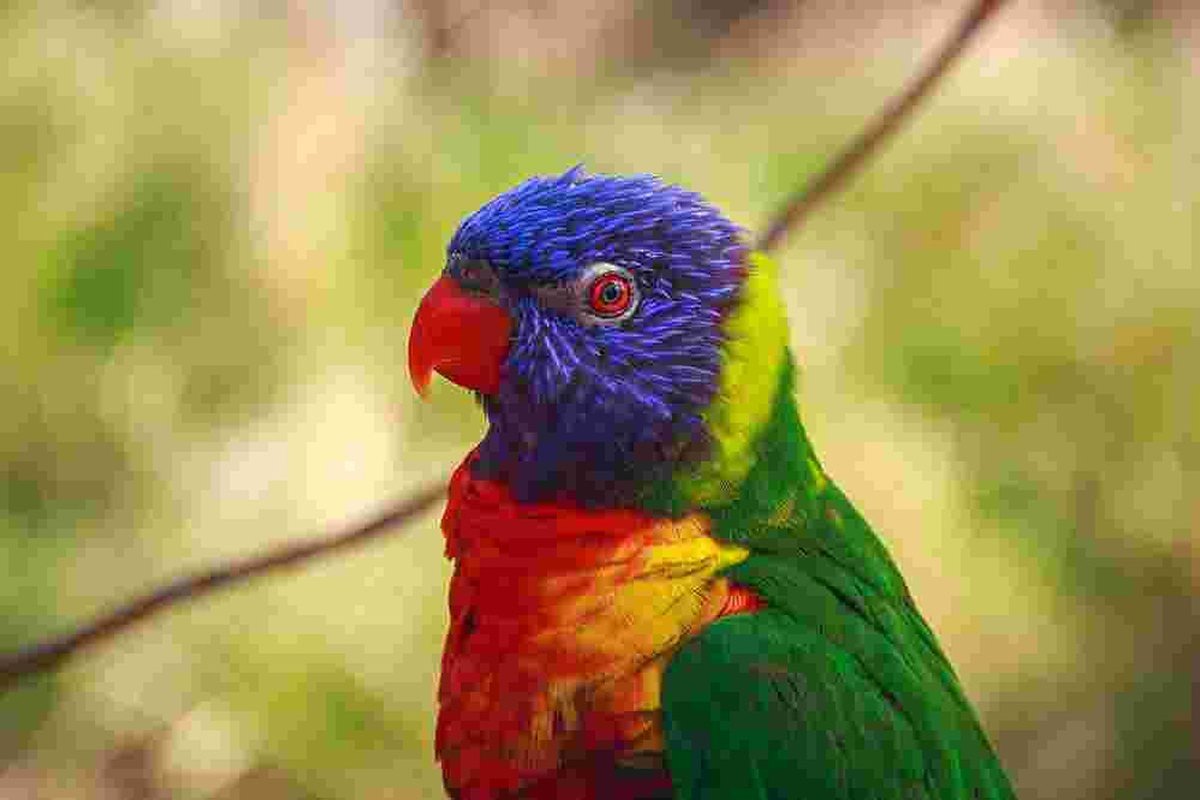
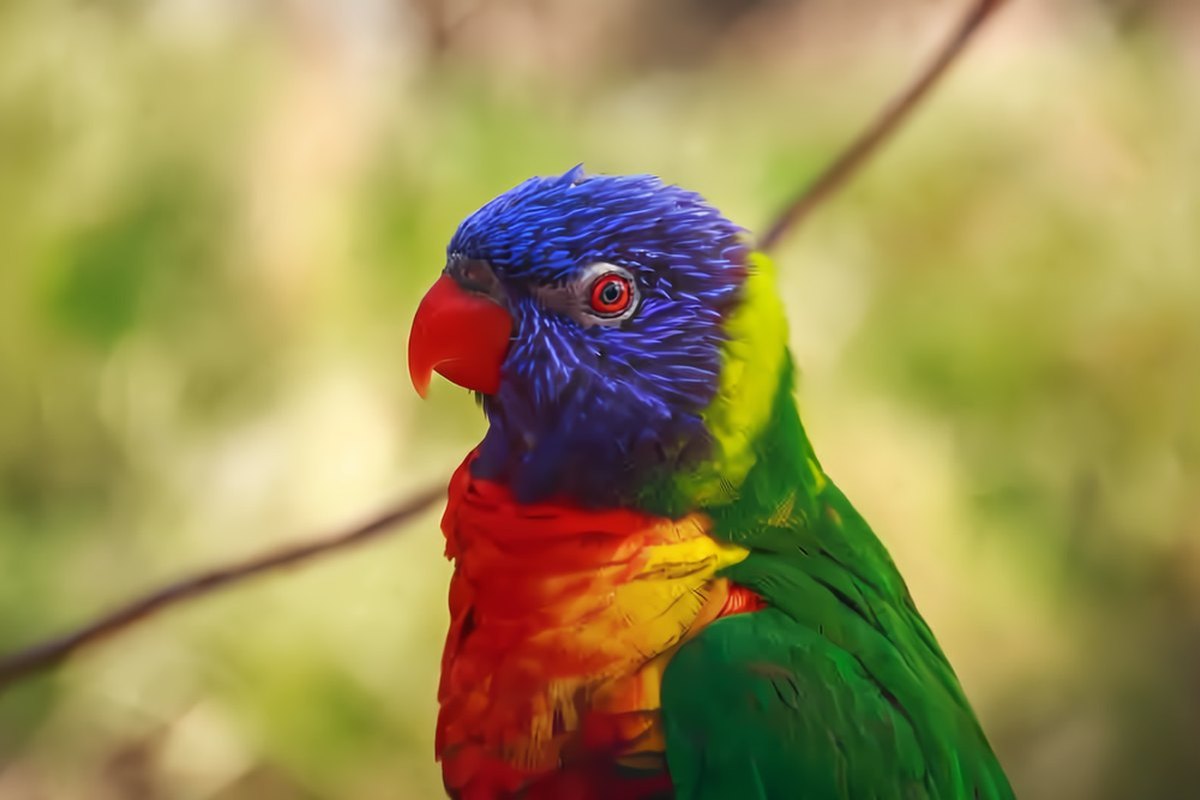
A parrot saved as a JPEG at quality 10, with heavy blocking The parrot after FBCNN removed the JPEG artifacts
BeforeAfter
JPEG at quality 10. FBCNN estimates the quality factor by itself.
A building against the sky, full of noise The same photo with the noise removed
BeforeAfter
Sensor noise. Real noise removed with SCUNet.
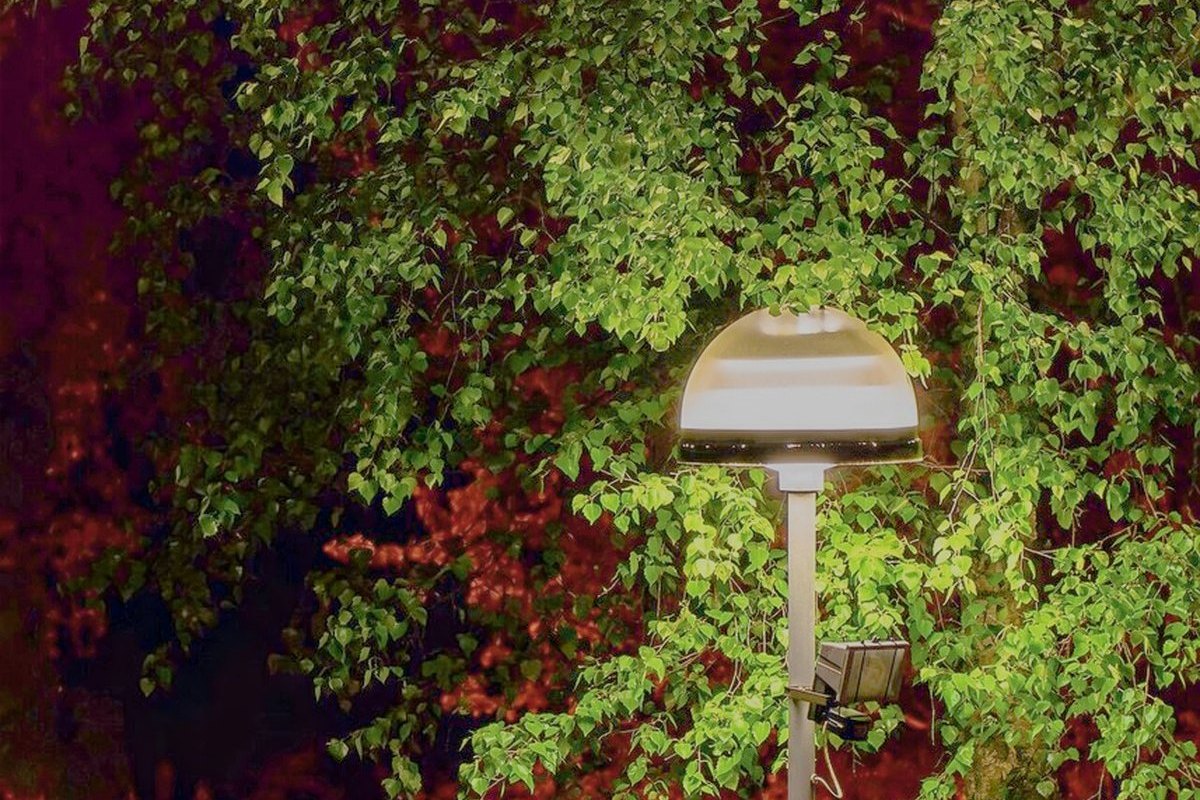
A dark night photo of a street light next to a birch The night photo brightened, with the birch and street visible
BeforeAfter
Night. Brightened with HVI-CIDNet.

How RAP Works

SAM 3 turns clicks, boxes, strokes or a name into regions. Each region gets its own model and strength and is processed at full resolution; removals and replacements go first, and everything else is restored on the edited photo.

RAP pipeline The photo is segmented into regions with SAM 3. Each region gets its own model. Removals edit the photo first; the other regions and the background are processed on the edited photo and composited into the result. Photo input image Segmentation SAM 3 click, box, brush, text, subject A model per region person (removal)ObjectClear edits the photo faceCodeFormer background (everything else)HVI-CIDNet Composite removals first; other regions are processed on the edited photo and blended by mask Result export, 4×

Interactive Tool

The code rebuilds RAP as a local web app with current models. It runs on an NVIDIA GPU with 8 GB of memory or more.

Selection

Click, drag a box, paint, or type a name such as “face” or “sky”. SAM 3 draws the masks; a person can be matted with soft edges.

Per-Region Models

Restoration, denoising, JPEG artifacts, motion blur, faces, colorization, low light, object removal and generative fill. The rest of the photo gets its own model.

Interactive Controls

Every main control is rendered in advance, so sliders respond immediately. Compare with the original, then export with up to 4× upscaling.

Click, choose, slide. Enhance the seagull and drag the Detail slider.
Remove with the shadow. Click the bench; its shadow goes too.
Find by name. Replace the sky with a sunset, then denoise the building.

Built On

RAP brings these models together; each keeps its own license.

BibTeX

@article{jiang2023restore,
  title={Restore anything pipeline: Segment anything meets image restoration},
  author={Jiang, Jiaxi and Holz, Christian},
  journal={arXiv preprint arXiv:2305.13093},
  year={2023}
}